

How to Play IPL Live Stream (.m3u8) File in Desktop or MX Player
Hello, There If you want to Use Live stream Links in your windows there is one option. You can use below trick to Open .m3u8 Files or Live streaming files directly yo Your PC or Laptop. You can’t Open these files in VLC player so here is a Chrome Extension which can be used for Playing m3u8 files.
If you want to Get IPL Live Stream Links, keep Visiting Join Our Telegram channel for good stuff
Join Our Telegram Channel For Verified Hotstar Tricks & Offers
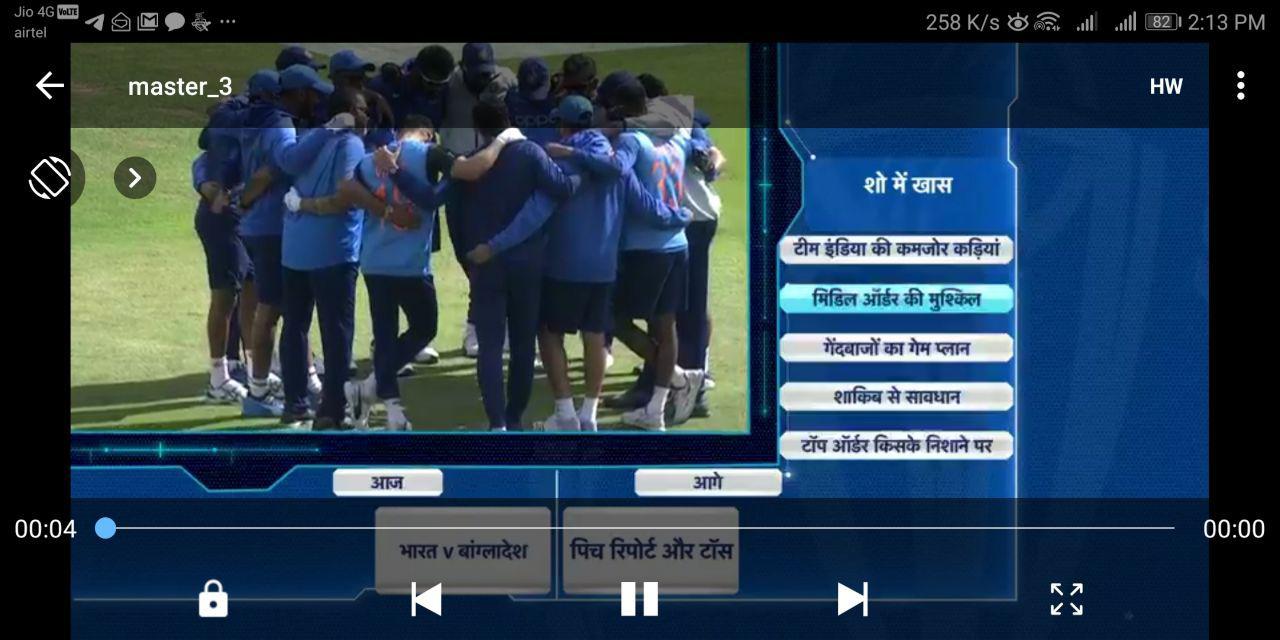
Some People are Facing Problem to Stream Live Stream links in Google Chrome so after many efforts I found a way to Play Live Streams in MX Player. You can use this trick to Play m3u8 Live stream in Hotstar Just follow below Steps.
How to Play Live Stream in MX Player( specially Worldcup Stream) –
1. First of All Download MX Player to Your Android or IoS device. If you don’t have already
2. Now Open Settings>>General ->Http User Agent.
3. Now Enter the Stream link in Network Stream Field.


4. Done. Back And click on the Link Again.
5. Congratulations, You can Play hotstar Live Stream Now
How to Play .m3U8 files in Google Chrome –
Method 1 – How to Play Live Streaming Links in Microsoft edge –
Now Google Chrome trick is not working so You can use edge browser to Play m3u8 or Live streaming Link.
How to Play Streaming Link in Microsoft edge –
1. First of all Open Your edge Browser.
2. Now Copy Live Streaming link and paste in address bar.

3. Press F12 & Open Developer Mode Window.

4. Now Click on “Emulation Tab” Now Here You Can See User-agent String.

5. Now in User-agent String Enter the Custom user Agent.
6. Now enter Custom Use agenet String as user-agent=KAIOS/2.0 for (Hotstar Live Stream)
7. Now Done, Press Enter and The Stream will start Loading. ..
Method 2 –
If you are on Mobile device, You can simply use Mobile Chrome app to run and if You are on desktop Chrome Download Play HLS m3u8 Player extension from here
1. Click on the Link & Open the Extension.
2. Install the Extension in Chrome
3. Now open m3u8 Files directly in Your Chrome
4. If You Need to Add User Agent then Follow Below Steps
How to Add User Agent in Google Chrome –
1. Download mod header Extension in Chrome – Download
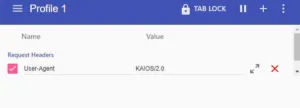
2. Now Open it & Add User Agenet as Key & It’s Value in the next Field.
3.Done, Now You can Stream it in Your Chrome Browsr
If you have any query Please comment & We will solve it for you.





Can you give us link for ipl English commentary
Thanks for giving us hindi & English commentary on every day
Quality is not good …while u r using it on pc….kindly do something for it.
Awesome Bro you are the best
Can you give us link for world cup English commentary to watch in browser
Since in telegram the link provided is in hindi language…
Sure, next time You will get
TODAY LINK IS NOT WORKING
How to watch Hotstar Liv Match Streaming in Desktop Chrome Browser after adding both the extensions?
Please Check the Post now
Link for mx player
Join the conversation