


Innopay is a utility bill payment app mostly famous for credit card bill payment offers. They offer a discount on different bill payments. You can sign up on Innnopay and put your referral code while you sign up and get an extra discount.
How To Signup on Innopay App
1. Download innopay app from below download link
2. Now enter your mobile number and put OTP received on your phone.
3. Enter a few basic details and the referral code for Innopay.
Innopay referral code is EXJNFWLT
4. Now make any transaction of ₹200 or more, and you shall get a referral discount on the payment page.
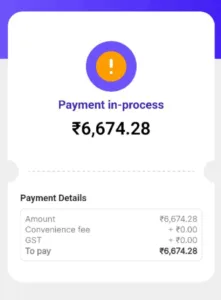
5. You can see the cashback in your innocoins section under the profiles section.
6. Currently, they are having an offer where you can pay credit card bill payments using Rupay credit card. Just select UPI payment method and pay using a Rupay card.
Key Features That Matter:
- Multi-utility bill support: Credit cards, electricity, gas, mobile recharges, and more
- Instant cashback system: Earn “Innocoins” on every transaction
- Rupay credit card compatibility: A rare feature that sets them apart
- User-friendly interface: Simple navigation even for first-time users

Join the conversation